Parallels Desktop 27 review: Windows on the Mac – what it can do and what it can't
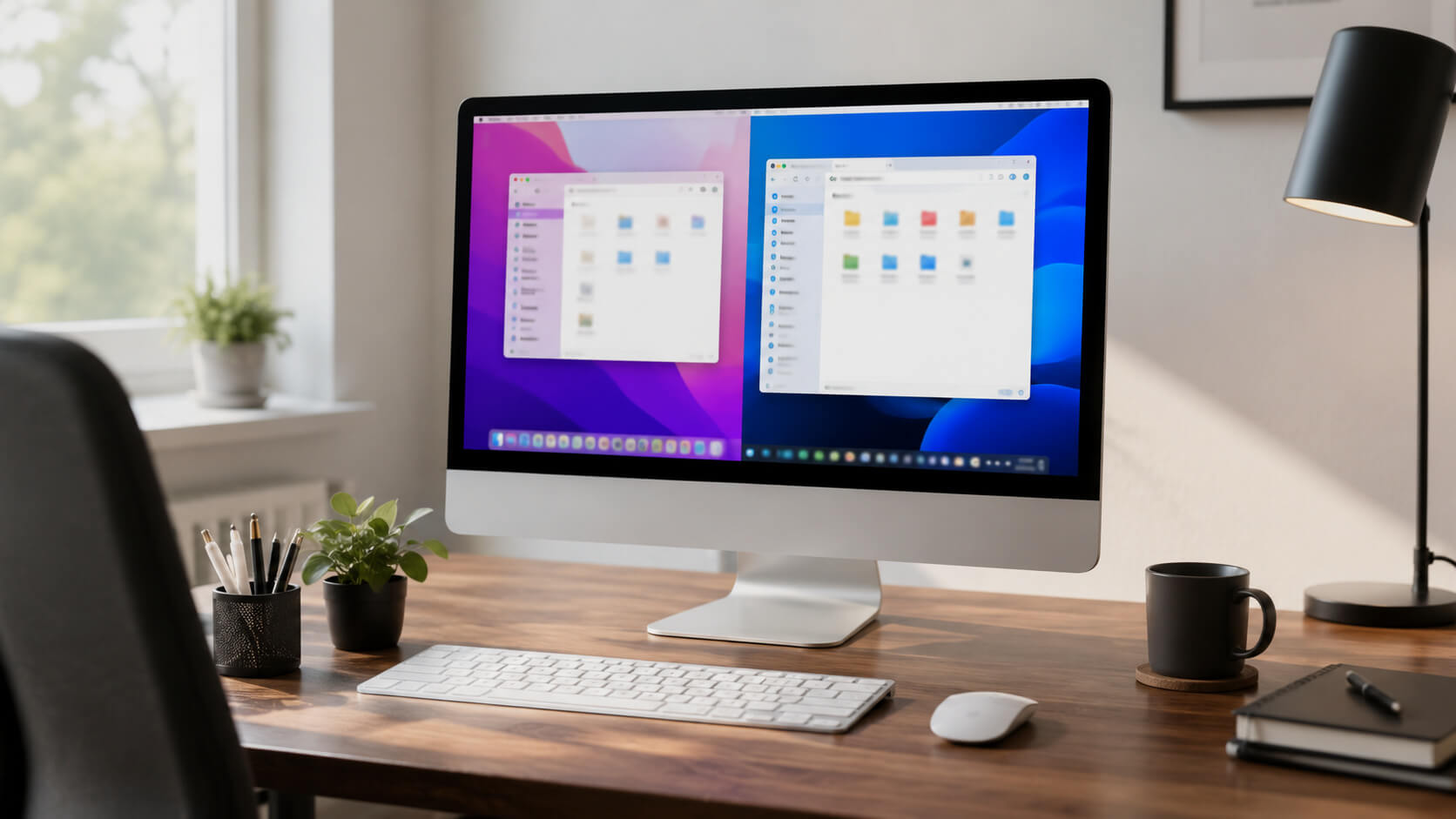
Contains affiliate links – how we work
| Edition | Regular price | RAM / CPU cores per VM | Intended for |
|---|---|---|---|
| Standard (subscription) | $99.99 per year | up to 8 GB / 4 | Office and individual Windows programs |
| Standard (one-off purchase) | $219.99 one-off | up to 8 GB / 4 | Those who stick with one version – no upgrades to new major versions |
| Pro (subscription) | $119.99 per year | according to Parallels up to 128 GB / 32 | Developers and power users |
| Business (subscription) | $149.99 per year | as Pro | Teams with central management |
- Regular price:
- $99.99 per year
- RAM / CPU cores per VM:
- up to 8 GB / 4
- Intended for:
- Office and individual Windows programs
- Regular price:
- $219.99 one-off
- RAM / CPU cores per VM:
- up to 8 GB / 4
- Intended for:
- Those who stick with one version – no upgrades to new major versions
- Regular price:
- $119.99 per year
- RAM / CPU cores per VM:
- according to Parallels up to 128 GB / 32
- Intended for:
- Developers and power users
- Regular price:
- $149.99 per year
- RAM / CPU cores per VM:
- as Pro
- Intended for:
- Teams with central management
Running Windows programs on a Mac – since Apple Silicon, Parallels Desktop has been practically the only convenient way to do it. This honest analysis shows what version 27 can do, where its limits lie and who really benefits from the subscription (as of October 2026).
Contents
What Parallels Desktop does
Windows runs as a virtual machine alongside macOS – no reboot, no second computer. Since Apple Silicon it is practically the only convenient solution; Microsoft names Parallels Desktop in its help article as an authorised solution for Windows 11 Pro and Enterprise on Arm.
Windows itself is not included: you buy the licence separately from Microsoft.
Behind the product is Parallels itself, which also provides the official support included with the subscription.
New in version 27
Supports macOS 27 as the host without existing virtual machines having to be set up again (Parallels, 21 August 2026).
New graphics driver: OpenGL 4.3 instead of 4.1, according to Parallels up to 2.6 times faster on Macs with M3 or newer. The driver requires macOS 15.
Runs only on Macs with an Apple chip (M1 to M5) from macOS 14.7. Dropped features include support for Intel Macs and Boot Camp as well as Travel Mode. For Intel Macs, version 26 remains, which according to Parallels continues to receive security and maintenance updates.
In its review of 22 September 2026, the German magazine Macwelt calls it a minor update: stable and fast, but with middling graphics performance and a high price. The magazine recommends at least 16 GB of memory in the Mac.
The launch had teething troubles: according to Parallels' release notes, some Windows machines failed to start after the upgrade; version 27.0.3 fixes this.
Editions & prices 2026
Regular prices according to Parallels (blog post of 28 July 2026): Standard $99.99 per year, Pro $119.99 per year, Standard as a one-off purchase $219.99. Business costs $149.99 per year according to TidBITS (28 August 2026).
In euros, tchgdns.de quoted the same figures for the subscriptions at the launch of version 27 (€99.99 and €119.99 per year) and €189.99 for the one-off purchase (25 August 2026). We could not check the amount in the basket directly on 9 October 2026 – the price on the purchase page is what counts.
The one-off purchase pays off compared with the subscription from the third year – but only if you stick with the version you bought: according to Parallels there are no free upgrades to new major versions.
Discounts: at the launch of version 27 new customers got 45% off the first year (Standard $54.99; TidBITS, 28 August 2026). Whether that still applies in October is shown on the purchase page. Students and teachers get 50% off the Pro edition on proof of status.
14-day free trial (the trial runs the Pro edition). IMPORTANT, in all honesty: auto-renewal is active from the moment of purchase. A 30-day money-back guarantee applies to first purchases made directly from Parallels; renewals are excluded according to the refund policy. If in doubt, switch off renewal straight after purchase (the licence still runs for the full year).
Standard or Pro?
Standard allows up to 8 GB of memory and 4 CPU cores per virtual machine. For office work, accounting and individual specialist programs, that is enough.
Pro raises the limits to up to 128 GB and 32 cores according to the purchase page; in the FAQ on the Pro edition, Parallels names 62 GB and 18 cores for Macs with an Apple chip. Added to that are a command-line interface, advanced networking options and tools for developers.
Only Pro and Business include an emulator for x86 machines. Parallels itself describes it as very slow; it is meant for developers, not for everyday use.
Performance & gaming – the honest assessment
Parallels supports DirectX up to 11.1 and OpenGL up to 4.3 (Parallels, as of 25 August 2026). That covers many Windows programs and older games; x86 software mostly runs without trouble thanks to the emulation built into Windows 11 on Arm.
The hard limits: DirectX 12 is not supported, and according to Parallels most anti-cheat systems do not run in a virtual machine. If gaming is your main goal, cloud gaming or a PC will serve you better – Parallels is a productivity tool.
Also not possible, according to Microsoft, are Windows features that require nested virtualisation, such as WSL 2 and Windows Sandbox.
Coherence: Windows apps like Mac apps
This mode hides the Windows desktop – Excel with macros, your club's software or the company tool appear like native Mac windows. In everyday use, this is the biggest gain in convenience.
Who it suits – and who it doesn't
Suitable for: anyone who needs individual Windows programs for work or on a regular basis (special Office cases, specialist software, developers).
Not necessary for: anyone who only opens a Windows app every few months – VMware Fusion is free for that, at the cost of more setup effort. The head-to-head comparison: (→ Parallels vs VMware Fusion 2026: is Parallels worth it when Fusion is free?).
Not suitable for: owners of an Intel Mac who want to move to version 27, and anyone who wants to play current online games.
Basis of this analysis
Information from Parallels: blog posts of 28 July 2026 (prices) and 21 August 2026 (version 27), release notes, system requirements, refund policy and help articles on editions and graphics – retrieved on 9 October 2026.
Independent reports: Macwelt (review of 22 September 2026), TidBITS (28 August 2026), tchgdns.de (25 August 2026), AppleInsider (25 August 2026). On authorisation: Microsoft's help article on Windows 11 on Macs with an Apple chip.
What we like
- Windows 11 solution for M-series chips authorised by Microsoft
- Coherence mode: Windows apps feel native
- Easiest setup – the Windows download is built in
- 14-day free trial, 30-day money-back guarantee on first purchase
What could be better
- Subscription with auto-renewal switched on (one-off purchase only for Standard)
- Standard edition capped at 8 GB of RAM and 4 CPU cores per VM
- Most games with anti-cheat do not run, no DirectX 12
- Version 27 no longer runs on Intel Macs
- More expensive than the free alternatives for occasional users
FAQ
Does Windows 11 run legally on Apple Silicon?
Yes – Microsoft names Parallels Desktop as an authorised solution for Windows 11 Pro and Enterprise on Arm; you need a Windows 11 licence in addition.
Does Parallels Desktop 27 run on Intel Macs?
No. Version 27 can only be installed on Macs with an Apple chip (from macOS 14.7). For Intel Macs, version 26 remains, which according to Parallels continues to receive security and maintenance updates.
Do normal x86 programs run?
Mostly yes, thanks to the emulation in Windows 11 on Arm – the exceptions are most anti-cheat games, DirectX 12 titles and software that works close to the drivers. Test your own software during the 14-day trial.
Subscription or one-off purchase?
The one-off purchase ($219.99, Standard only) pays off from the third year – but without free upgrades to new major versions.
Can I return Parallels?
For a first purchase made directly from Parallels, within 30 days and, according to the refund policy, without giving reasons. Automatic renewals and purchases from other retailers are excluded.
Is there a Parallels discount?
New customers regularly get a discount on the first year – at the launch of version 27 it was 45%. Whether a promotion is currently running is shown on the purchase page. Students and teachers get 50% off the Pro edition.
If you seriously need Windows programs on a Mac with an Apple chip, Parallels Desktop 27 is by far the most complete package – seamless, officially authorised and quick to set up. Occasional users and tinkerers save money with VMware Fusion or UTM but give up the convenience. Keep an eye on the automatic renewal.
Ali Cetinkaya is a business IT specialist with more than 15 years of experience in IT and online marketing. For DealsScout he evaluates plans, tools and deals – honestly, transparently and without jargon.